
Reports you will actually use
Who this is for: an owner who wants the numbers, and the accountant who has to file them.
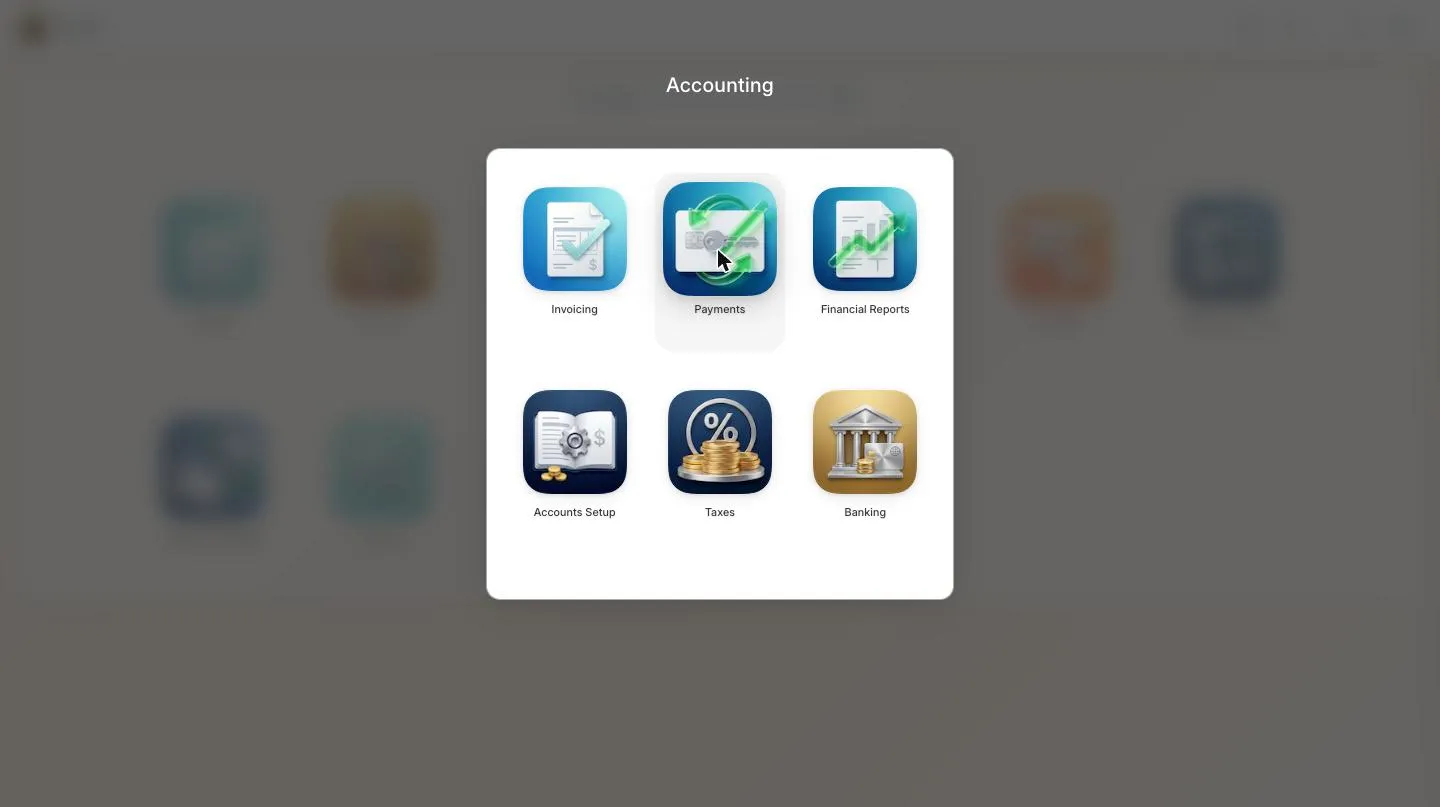
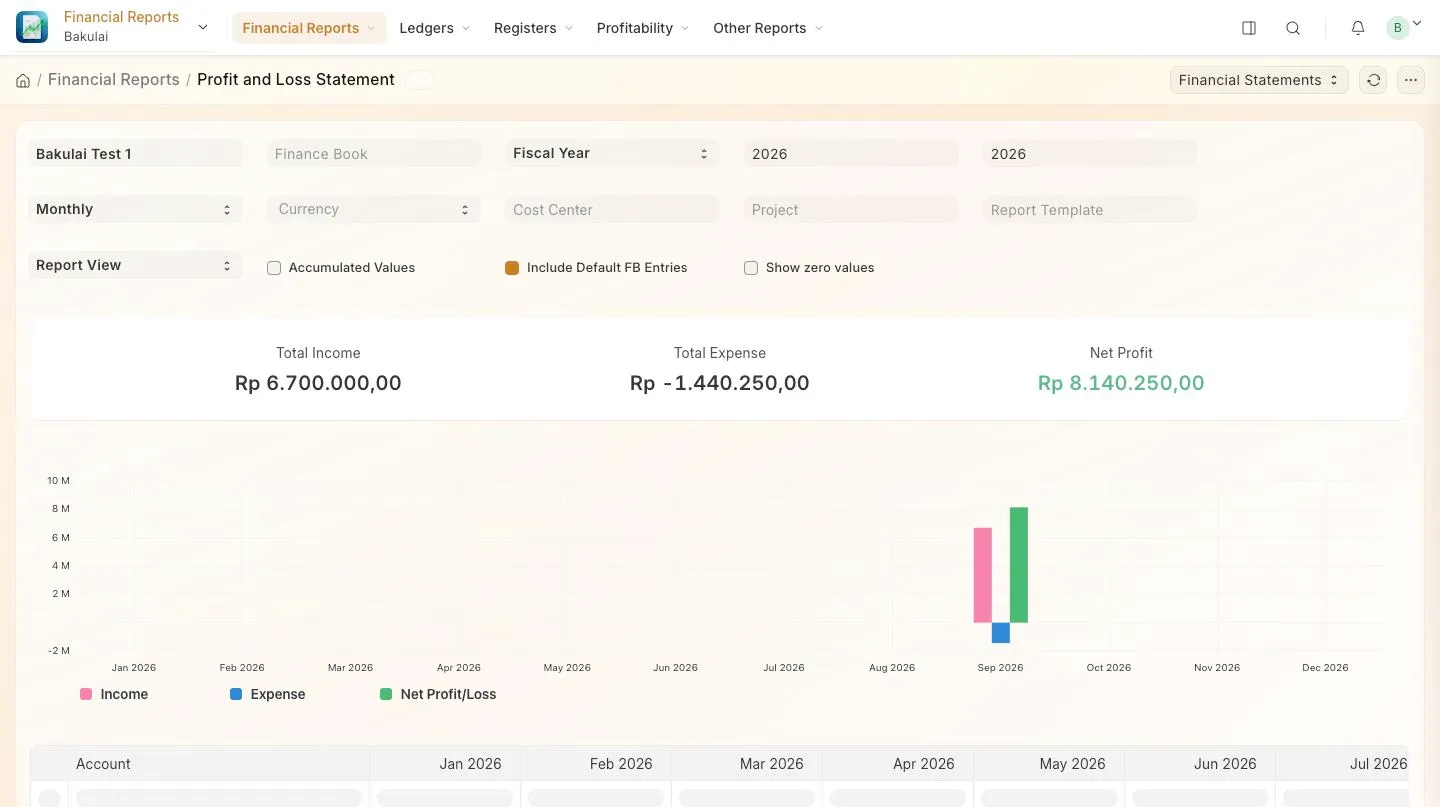
Reports live under Accounting → Financial Reports; stock reports under Stock. Every report has the same top bar: a date range, filters, and a refresh.
For the owner
Section titled “For the owner”| Question | Report |
|---|---|
| Am I making money? | Profit and Loss Statement |
| Who hasn’t paid me? | Accounts Receivable |
| What do I owe? | Accounts Payable |
| What sells, and at what margin? | Item-wise Sales · Gross Profit |
| What is in the warehouse, and what is it worth? | Stock Balance |
For the accountant
Section titled “For the accountant”General Ledger (every entry, filterable by account and party), Trial Balance, Balance Sheet, Stock Ledger for inventory movements, Item-wise Purchase for input costs. Tax reporting works from the General Ledger plus your tax templates.
What your plan includes
Section titled “What your plan includes”| Gratis · Kasir | Pro | Max | |
|---|---|---|---|
| Sales, purchase, stock and receivable reports | ✓ | ✓ | ✓ |
| Profit and Loss, Balance Sheet, Trial Balance, General Ledger | — | ✓ | ✓ |
| Export to Excel/CSV | — | — | ✓ |
| Consolidated statements across companies | — | — | ✓ |
Faster: ask instead of filtering
Section titled “Faster: ask instead of filtering”The assistant reads the same reports: “profit this month versus last month”, “top 10 items by margin”, “receivables over 30 days”. It answers in a sentence and can open the full report when you want the detail. The same questions work from Claude or ChatGPT.
Troubleshooting
Section titled “Troubleshooting”- “Not available on your plan” — Profit & Loss and the other financial statements need Pro; export needs Max.
- A report is empty — check the date range and that the documents are submitted; drafts never appear.
- Stock report shows nothing — your items may be non-stock.