
Automatic bank reconciliation
★ Pro / Max Needs the Pro or Max plan. See plans
Who this is for: an owner or bookkeeper who spends an hour a day matching transfers to invoices.
How it works
Section titled “How it works”- Mutations enter Bakulai as Bank Transactions — from Moota, from a statement file you upload, or from your bank’s notification emails.
- The matching engine looks for the Kode Bayar in the transfer note, then the amount, the payer’s name, the date window and your own rules.
- What is certain is posted as a Payment Entry and reconciled. What is doubtful is only suggested and waits for you. Bank charges, interest and tax on interest are booked by rule; card and QRIS payouts are split into the net amount, the fee and the gross.
Get the mutations in
Section titled “Get the mutations in”-
Search for Bakulai Bank Feed and add one per bank account.
-
Pick the Provider:
- Moota — paste the API token from your own Moota account and the account id. Mutations then arrive every few minutes.
- Manual — no token; you upload a statement file whenever you like (CSV or XLSX from BCA, Mandiri, BRI or BNI).
- Email (beta) — point it at the mailbox that receives your bank’s notifications and list the sender addresses you trust.
-
Set Initial Backfill (days), tick Enabled, save. Last Synced At, Last Imported and Last Error on the same form tell you whether it is working.
Decide how much it may do alone
Section titled “Decide how much it may do alone”Search for Bakulai Reconciliation Settings (one document per company — the first time, press + Add):
- Mode — Auto: certain matches post by themselves. Confirm: everything waits for your approval.
- Accounts — which account to book bank charges, interest income, rounding and payout fees to.
- Rules — a text pattern plus what to do with it: book to an account (Journal), treat it as a customer or supplier payment (Party), Ignore it, or treat it as a card/QRIS Settlement with a fee percentage. Bakulai seeds the usual Indonesian ones (BIAYA ADM, BUNGA, PAJAK BUNGA) and learns from what you approve.
Approve what it asks
Section titled “Approve what it asks”- Every morning at 8, one email lists up to ten questions with an Approve / Not this one link for each. The links are signed and valid for seven days.
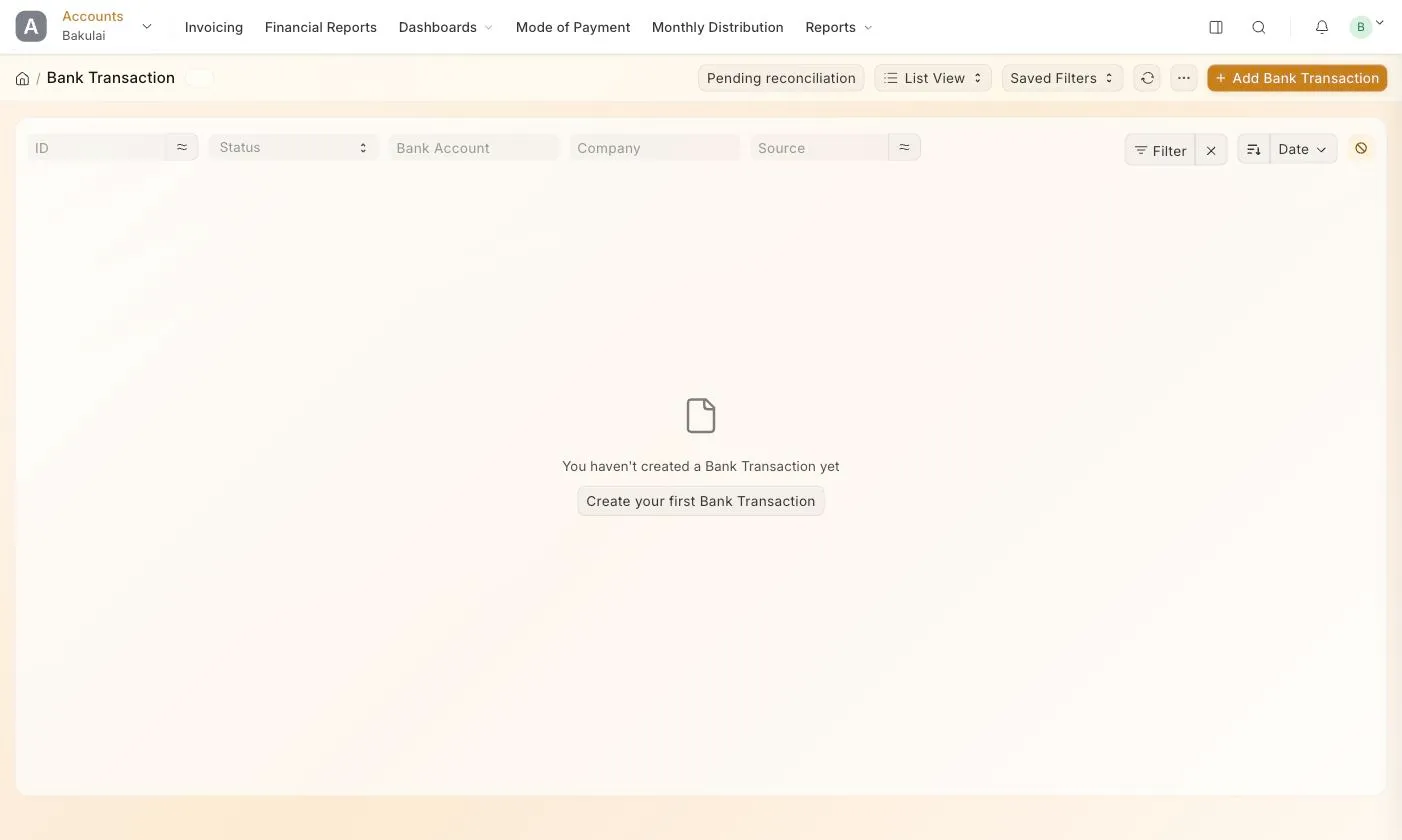
- In the Desk, open Bank Transaction: the list has a Pending reconciliation button, and each transaction has Approve, Reject, Match manually, Re-evaluate and Undo.
- From your phone, Bakulai Agent can ask you on WhatsApp or Telegram.
Every decision is written to a Bakulai Reconciliation Log with the score and the reason, and an automatic posting can always be undone.
Troubleshooting
Section titled “Troubleshooting”- Nothing arrives — check Enabled, the token, and Last Error on the feed.
- Everything ends up as a question — the mode is Confirm, or the notes carry no code and several invoices share the amount.
- A payment was matched to the wrong invoice — open the Bank Transaction and press Undo, then Match manually.
- Duplicate mutations after an upload — they are de-duplicated per source; the same file uploaded twice adds nothing.